Paper vs. iPad vs. E-Ink: Why Professionals and Students in Morocco Are Switching to Digital Paper
Between smartphone notifications, laptop screens, and traditional tablets, modern knowledge workers and students spend 8 to 12 hours a day staring at glowing LED/OLED displays.
The result? Digital fatigue, dry eye syndrome, constant distractions, and fragmented focus.
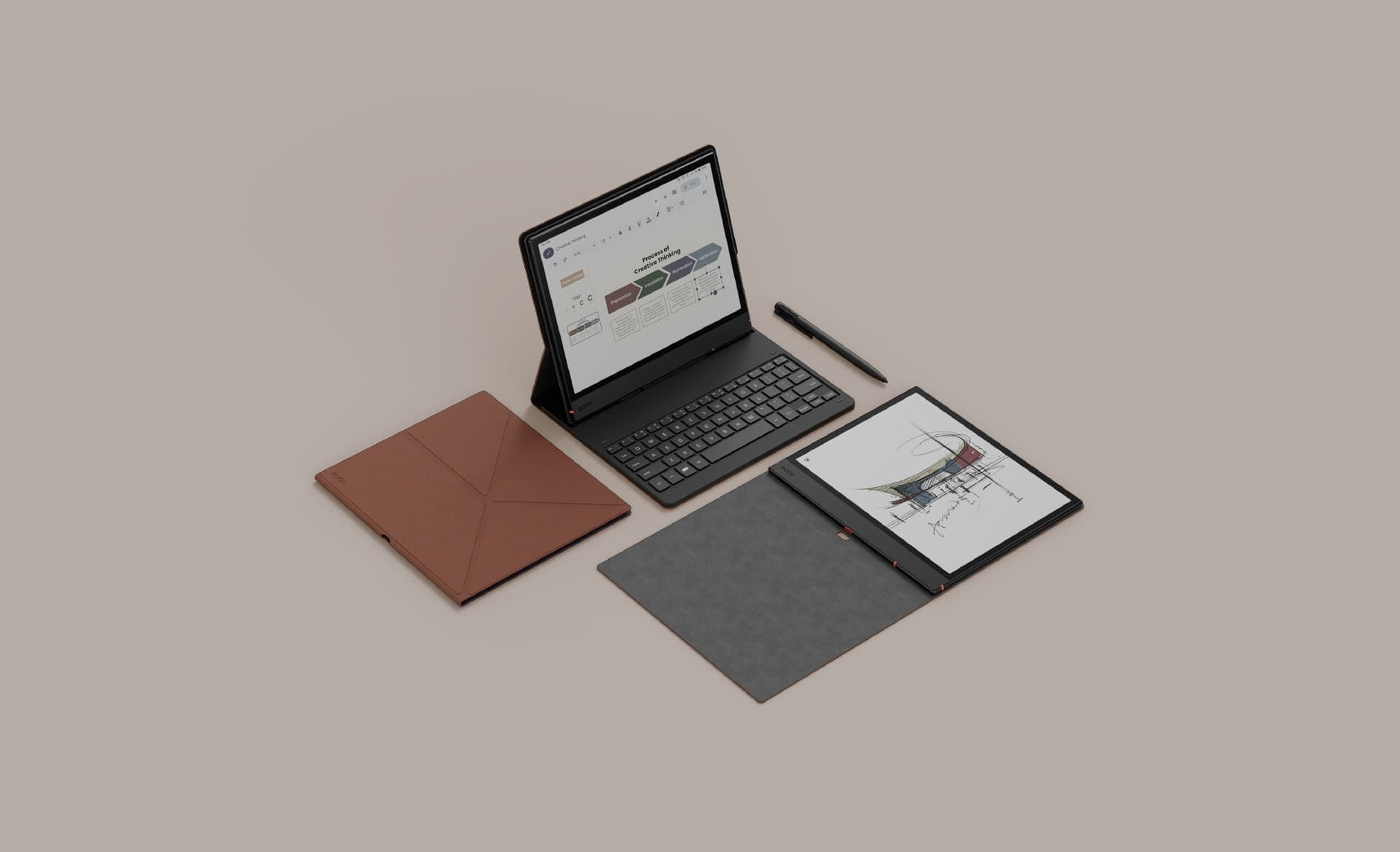
While iPads and traditional paper notebooks have been the standard go-to tools for decades, a massive shift is taking place. Professionals, lawyers, engineers, and students across Morocco are replacing both with E-Ink digital paper devices (like the reMarkable Paper Pro, Supernote Nomad, and Kindle Scribe).
In this article, we compare physical paper, traditional tablets (iPads), and E-Ink displays across eye comfort, productivity, handwriting feel, and long-term usability.
1. Eye Health & Glare: Backlight vs. Reflected Light
The fundamental difference between an iPad and an E-Ink tablet lies in how light reaches your eyes.
- iPads & Traditional Tablets (Emissive Light): LCD and OLED screens project light directly into your eyes. Combined with blue light exposure and glass glare under sunlight or office lighting, long sessions cause fatigue, dry eyes, and headaches.
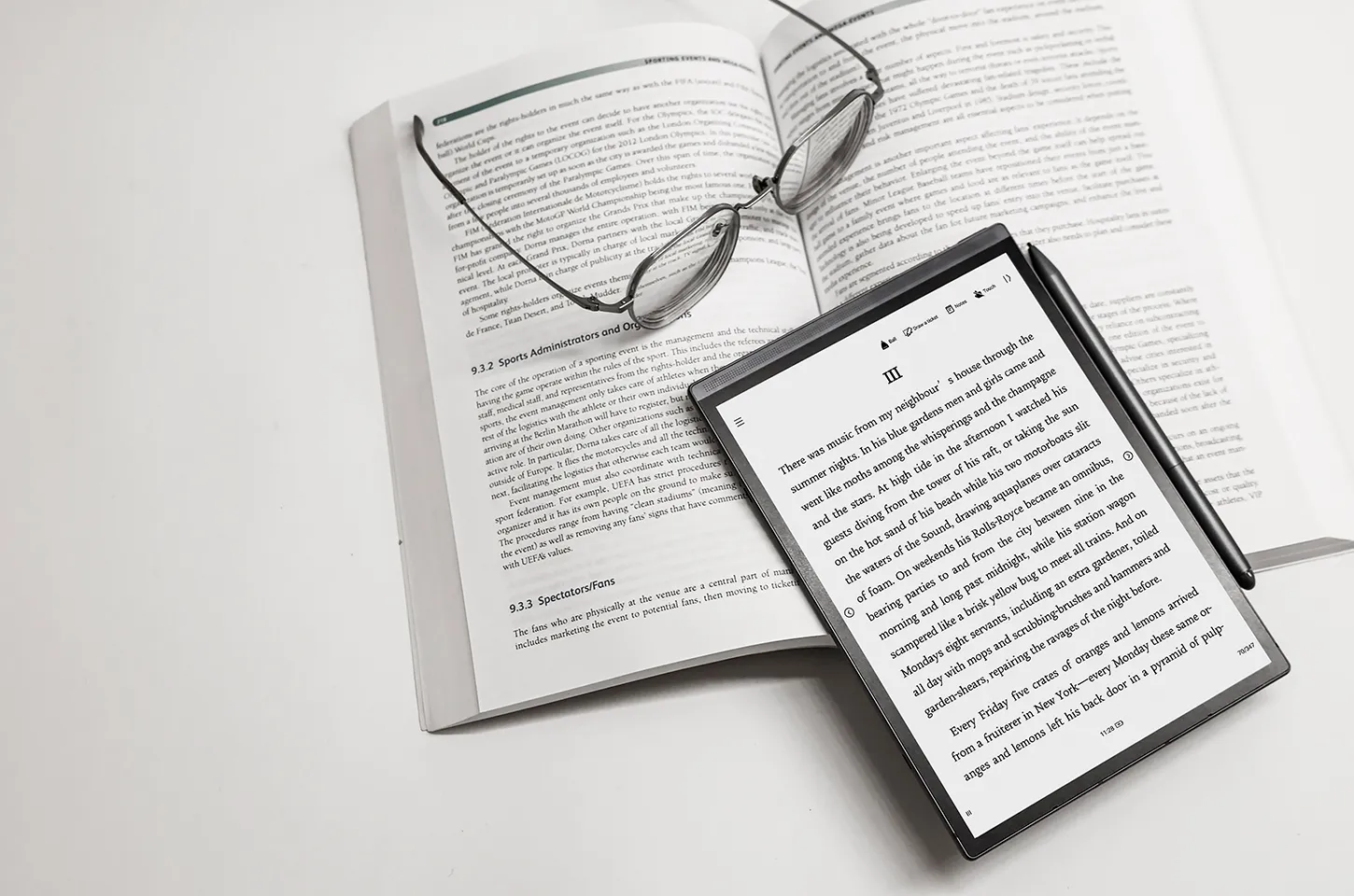
- E-Ink Displays (Reflective Light): E-Ink uses millions of microscopic ink capsules (black, white, or color particles) that move to form text and drawings. It projects zero direct light into your eyes—it reflects ambient room light just like physical paper.
- Physical Paper: Ideal for eye comfort, but lacks backlight adjustment when working in low-light environments.
VERDICT: E-Ink offers the eye protection of physical paper while retaining the flexibility of adjustable frontlights for night reading.
2. Productivity: Distraction Central vs. Deep Focus
How many times have you opened an iPad to take meeting notes, only to get sidetracked by a WhatsApp notification, an email pop-up, or a YouTube recommendation?
+-------------------------------------------------------------------------+
| THE FOCUS RULE: Multitasking on traditional tablets reduces cognitive  |
| retention by up to 40%. E-Ink tablets isolate your workflow so you can  |
| read, annotate, and write without interruption.                         |
+-------------------------------------------------------------------------+
| Dimension | Physical Paper | iPad / Android Tablet | E-Ink Digital Notebook |
|---|---|---|---|
| Notifications | None | High (Constant interruptions) | None / Minimal |
| Searchability | Impossible (Manual flipping) | High (Digital text) | High (Handwriting OCR & Search) |
| Organization | Physical binders / stacks | Infinite apps & folders | Digital notebooks & folders |
| Battery Life | Unlimited | 8 – 10 Hours | 2 – 3 Weeks |
| Weight & Bulk | Heavy (Multiple notebooks) | Moderate | Ultra-light (One thin device) |
3. Handwriting Feel & Precision
For note-takers, the tactile feedback of the stylus matters immensely.
- Writing on an iPad: Writing with an Apple Pencil on a glass screen feels slick, slippery, and unnatural. Even matte screen protectors wear down stylus tips quickly and degrade display clarity.
- Writing on E-Ink: Devices like the reMarkable Paper Pro or Supernote Nomad feature textured surface layers matched with specialized nibs. They provide intentional friction, resistance, and microscopic flex that feels remarkably identical to a real pen or pencil on paper.
4. Portability & File Organization
Carrying multiple spiral notebooks, printed PDFs, and textbooks in a backpack quickly becomes heavy and messy.
With E-Ink devices:
- All Your Notebooks in One Place: Store thousands of pages of handwritten notes, PDF reports, and EPUB books in a device thinner than a standard pencil.
- Instant Cloud Sync: Automatically backup your handwritten notes to Google Drive, Dropbox, or OneDrive so you never lose an important meeting item or lecture note.
- Handwriting to Text Conversion: Convert handwritten scribbles into typed digital text with one tap for instant email sharing.
The Final Verdict: Which Tool Belongs in Your Workflow?
- Keep your iPad if you need high-framerate video editing, gaming, vibrant media consumption, or intensive multitasking.
- Keep Physical Paper if you only write occasional quick notes and don't care about cloud backup or searchability.
- Switch to E-Ink if you spend hours reading PDFs, writing daily notes, planning projects, or studying—and want to protect your eyes while staying 100% focused.
Experience Digital Paper in Morocco
Discover how switching to E-Ink can transform your daily productivity and protect your vision.
- Explore Digital Notebooks & Writing Tablets: eink.ma/shop
- Compare Models Side-by-Side: Head over to the eink.ma Homepage to compare screen sizes, stylus types, and battery specs.
Subscribe and we'll email you your code. Then one email a month: new releases, comparisons, and writing tips. No noise.